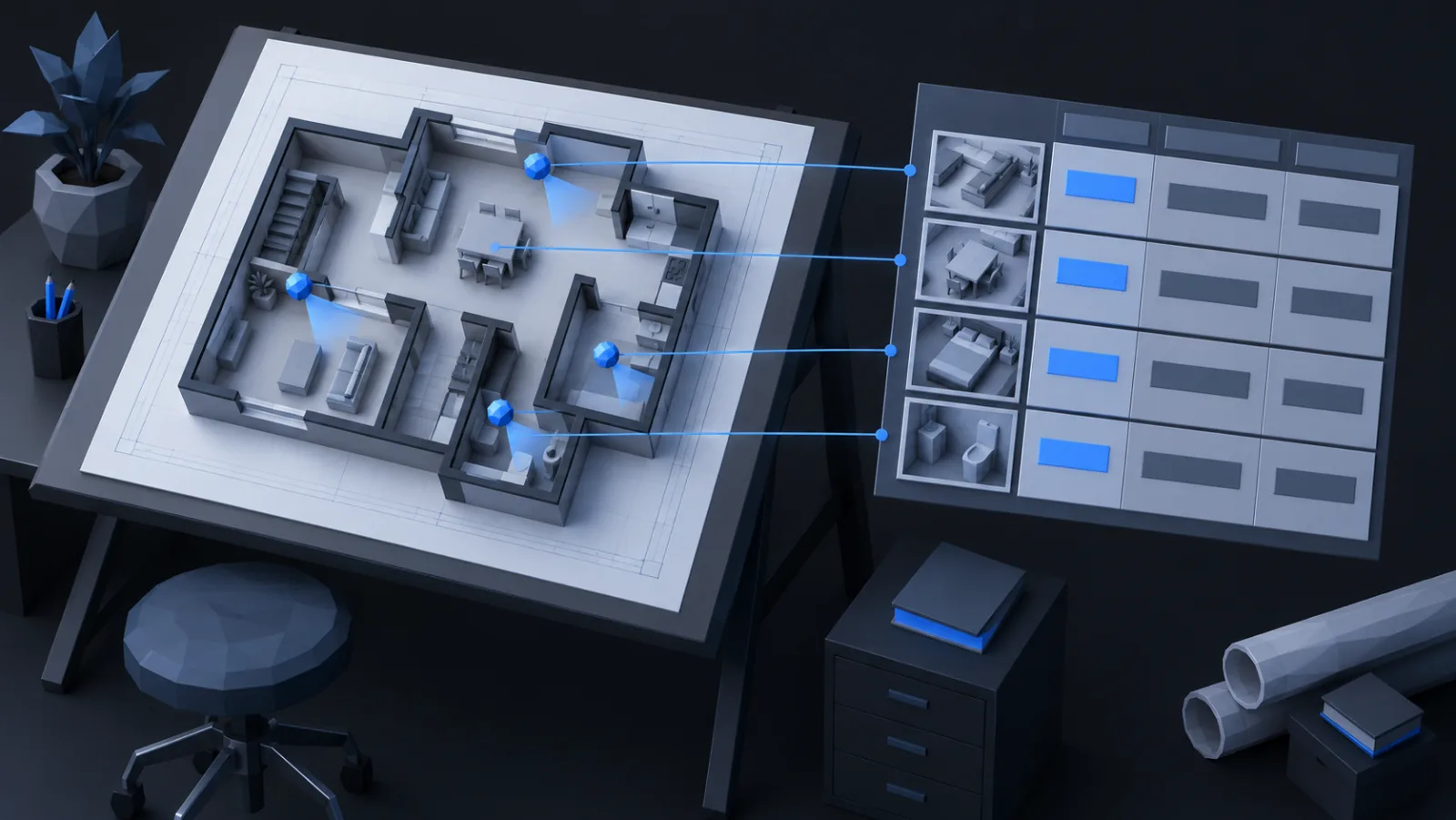
The drawing shows where the cameras go. The schedule says what each one is, how it is set, and what it needs. An installer who gets the picture without the table will make forty decisions on a ladder, and the coverage that was proved on the plan will be whatever those decisions produce.
One row per camera
A schedule is a table with a row for each camera symbol on the drawing and a column for each thing the installer or the recorder needs to know. The columns that matter:
- Reference: the label on the drawing, CAM-01 onward, in the order the installer will walk.
- Location: room, wall, and something a person can find, "above door D12, left jamb".
- Model and lens: the catalog part, and for a varifocal the focal length to set it to.
- Mounting height and tilt: the two numbers that fix the dead zone and the reach.
- Direction: a bearing or a target, "facing entrance, centred on door".
- Format and frame rate: corridor or landscape, and the recorder's rate for this stream.
- Purpose and quality: identify, recognise, observe or detect, and what for, so a later change is judged against the reason.
- Cable and port: the run length, the cabinet, the switch port, the PoE class.
Why the reason column earns its keep
Buildings change. A wall goes up, a shelf moves, the tenant wants the camera pointed at the new till. The installer who reads "CAM-07: identify, faces entering rear door" knows what the camera is for and can say what the change costs. Without it, every camera is just a camera and every move is free.
Commissioning
The same table is the checklist for handover. Each row gets a tick when the camera is up, aimed, in the recorder at the right stream settings, and its night picture checked. A photo of the actual view per row, taken from the recorder, is the evidence that the coverage on the plan is the coverage on the wall. Keep the sheet with the drawing; it is the document the insurer or the auditor asks for.
From the plan
Most of the columns already exist as properties on the placed camera: model, lens setting, height, tilt, direction, format. The schedule is those properties listed, and the sheet stays right because it is the same data as the picture. CameraCAD exports it straight from the document, in drawing order, with the reference labels matching the symbols on the print.