How it works
From a scan to a signed-off drawing.
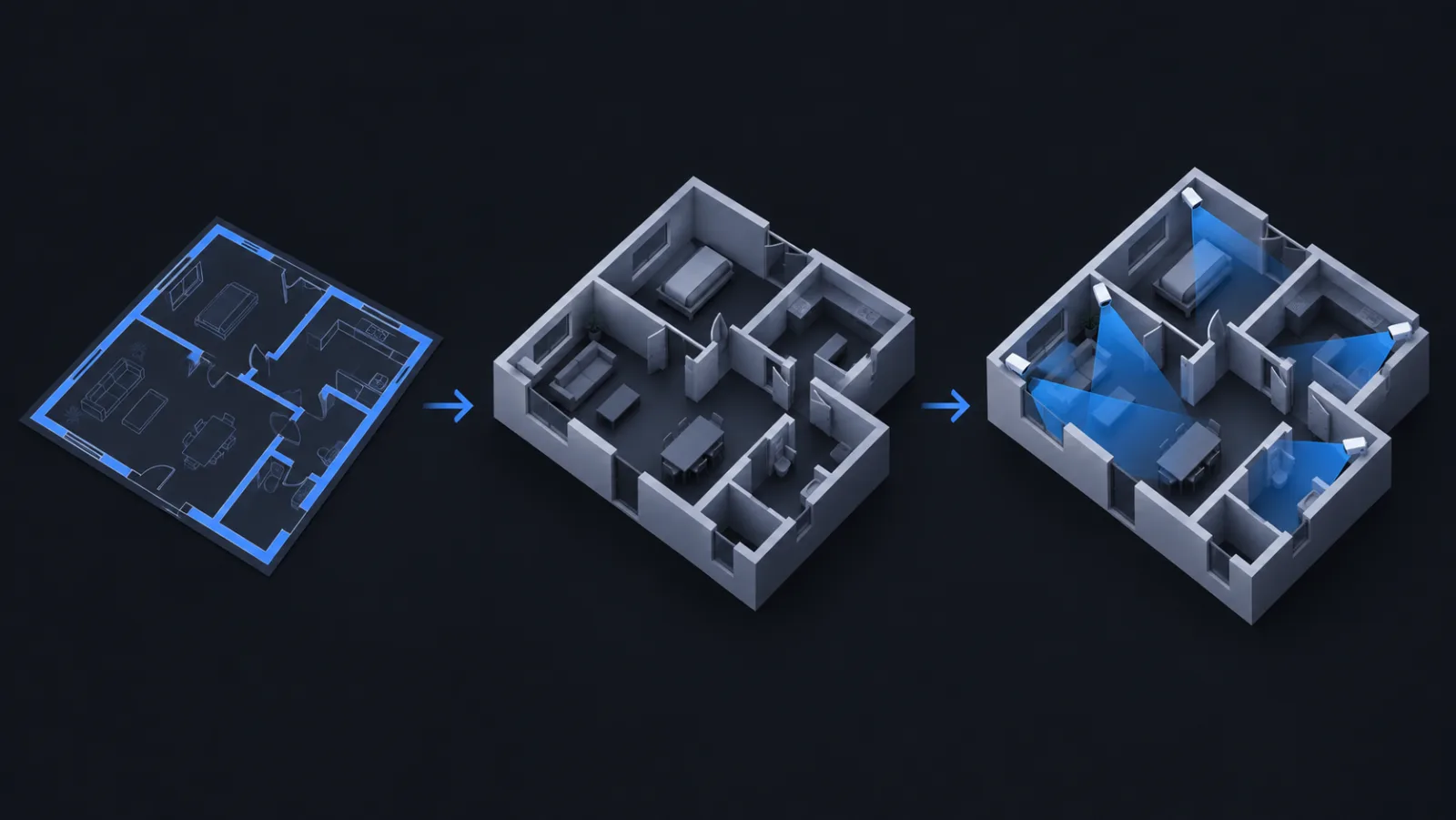
A typical site survey takes an afternoon in CameraCAD. Here is the whole path.
-
Bring the plan in
Drop in a PDF, DWG or DXF and the walls arrive as vector geometry. A photo of the drawing on the site wall works too; it becomes an underlay.
-
Set the true scale
Click two points of a known distance, type the length, and the sheet is to scale. Every camera range from here on is in real metres or feet.
-
Draw what blocks the view
Trace walls, columns, doors and windows over the underlay with the drawing tools. What you draw is what occludes, so you decide how much detail the survey needs.
-
Place real cameras
Pick a model from the catalog, set its mounting height and tilt, and drop it on a wall. The cone is ray-cast against your walls, and the DORI rings show where it can identify, recognise or detect.
-
Find the gaps
Switch to blind-spot view and every open area is shaded. Move a camera or add one and the shading follows live. The 3D preview shows what the lens will frame.
-
Share and sign off
Send the client a view link, or invite a colleague to edit with you in real time. Once agreed, frame a print area and export a scaled drawing with a title block.